
Key facts
- Brand
- Philips
- Model
- 242E1
- Category
- Monitor
- Industry
- Electronics
- Documents
- 2
- Languages
- ZH
- Last added
- 2026-11-14
Start here
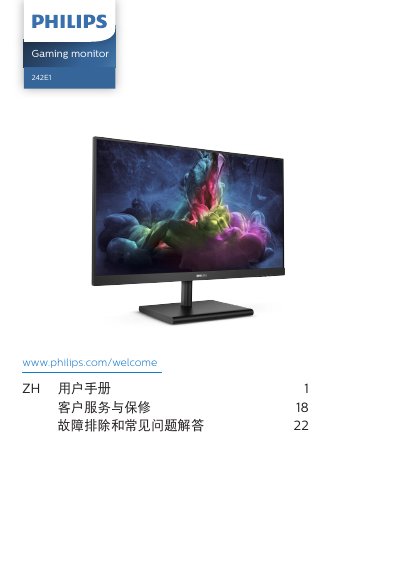
Philips 242E1 Gaming Monitor User Manual
The Philips 242E1 user manual covers the 242E1GSJ and 242E1GAJ gaming monitors. It describes safety measures and maintenance, disposal of product and packing material, installing the base and stand, connecting to a PC, and the front controls and OSD menu.
The document also explains image optimization with SmartImage and SmartContrast, AMD FreeSync Premium, technical specifications, resolution and preset modes, power management, the Philips pixel defect policy and warranty information, plus troubleshooting and a general FAQ. This manual is written in Chinese.
Philips 242E1 specifications
| Operating temperature | 0-40 ºC (32-104 ºF) |
|---|---|
| Humidity | 20-80% RH |
| AC/DC adapter model | Philips ADPC1945EX |
All Philips 242E1 documents by type
Day-to-day operation, settings and troubleshooting. Start here if the product is already set up.
Questions answered in these manuals
How long should I wait before reconnecting the power cord after unplugging it?
You must wait 6 seconds before reconnecting the power cord or DC power cord for normal operation.
What should I do if the monitor gets wet?
Wipe it dry with a soft cloth as soon as possible.
What operating temperature range does the monitor support?
The monitor is specified for use at 0-40 °C (32-104 °F).
Which AC/DC adapter should the 242E1GSJ use?
The 242E1GSJ should only use the Philips ADPC1938EX AC/DC adapter.