
This manual provides instructions for installing, operating, and optimizing the Philips 243V5 monitor, including safety precautions and troubleshooting.
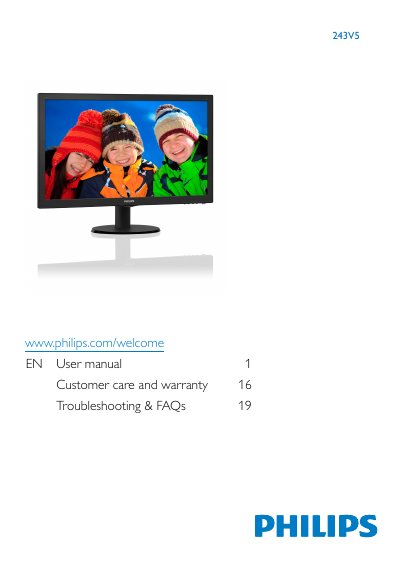
This user manual covers the setup and operation of the Philips 243V5 series of monitors. It includes instructions on installing the base stand, connecting the monitor to a PC using VGA, HDMI, or DVI cables, and powering the device on and off. The guide also explains how to use the On-Screen Display (OSD) menu to adjust settings such as brightness, contrast, and input sources.
Lengthy exposure to this type of environment may result in discoloration and damage to the monitor.
You must wait for 6 seconds before attaching the power cable or DC power cord for normal operation.
The monitor must not tilt downward by more than -5 degrees to avoid damage not covered under warranty.