
Portuguese user manual for the Philips 243V5QHAB LED monitor, covering safety, installation, OSD use, image optimization, specifications, power management…
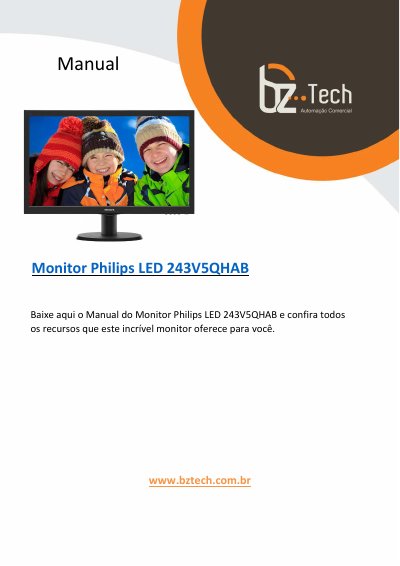
This Portuguese-language user manual is for the Philips LED monitor model 243V5QHAB. It explains safety and maintenance precautions, unpacking and base installation, connection to a PC, and use of the on-screen display menu.
The manual also covers image optimization features such as SmartContrast and Philips SmartControl Lite, technical specifications, power management, regulatory information, customer service and warranty terms, and troubleshooting with frequently asked questions. This manual is written in Portuguese.
| Operating temperature | 0-40°C (32-95°F) |
|---|---|
| Operating humidity | 20-80% RH |
Connect the power cable to the monitor, turn off the computer, connect the monitor signal cable to the computer's video connector, connect both power cables to an outlet, then turn on the computer and monitor.
The OSD is a feature included in Philips LCD monitors that lets the user adjust screen performance or select monitor functions directly through on-screen instructions.
The manual recommends temperatures from 0-40°C (32-95°F) and humidity from 20-80% RH.