
This document provides information about the features and characteristics of Philips LCD TV series, including product registration, installation of the stand, remote control usage, signal connection, etc.
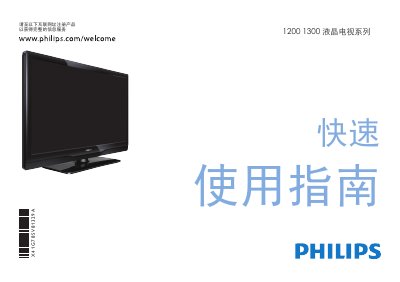
This quick‑start guide helps users register their Philips 1200/1300 series LCD TV and get it up and running fast. It lists the items included in the box – TV, remote with two AAA batteries, power cord, quick‑start guide, warranty card and base – and shows how to install the batteries and attach the base.
The guide also explains the various input ports (HDMI, component YPbPr, AV, USB) and recommends using HDMI for the best picture quality. Additional operation details and support information are available on the Philips website. This manual is written in Chinese.
| HDMI Input | Supported |
|---|---|
| Component (YPbPr) Input | Supported |
| AV Input | Supported |
| USB Input | Supported |
Open the battery cover on the back of the remote, insert two AAA batteries as shown, and close the cover.
Use the HDMI input for the best picture quality; component (YPbPr) is secondary, and AV is standard.