
The HD1300 series iron is a compact and lightweight iron that is ideal for quick ironing jobs. It can be safely used at all mains voltages and is equipped with a voltage selector. Suitable adapter plugs are available for purchase from Philips dealers, service centers, hotel receptions, or hardware shops.
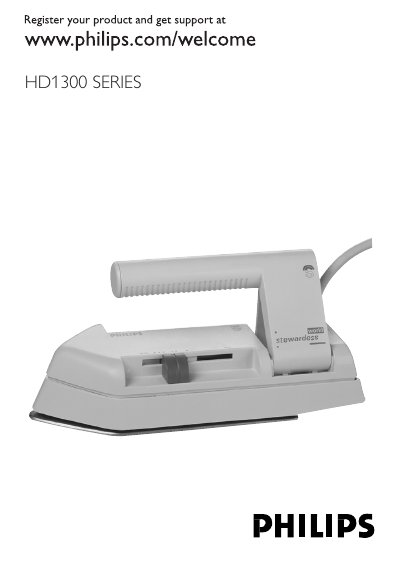
This manual introduces the Philips HD1300 SERIES iron, highlighting its compact, lightweight design and dual‑voltage capability (110‑120V/220‑240V) with a selectable voltage switch. It outlines important safety precautions, such as never immersing the iron in water and ensuring the correct voltage selector position before plugging in.
The guide walks you through preparation, temperature setting, ironing techniques, cleaning the soleplate, proper storage, and warranty service. A troubleshooting section helps resolve common issues like a cold soleplate despite being plugged in.
| Voltage Range | 110‑120V / 220‑240V |
|---|
Use the dual voltage selector and set it to 110‑120V for regions with lower mains voltage or to 220‑240V for higher voltage regions.
After the iron has cooled, wipe the soleplate with a damp cloth and a non‑abrasive liquid cleaner.