
Key facts
- Brand
- Panasonic
- Model
- DMP-BDT110
- Industry
- Electronics
- Documents
- 3
- Languages
- EN · ZH
- Last added
- 2012-08-03
Start here
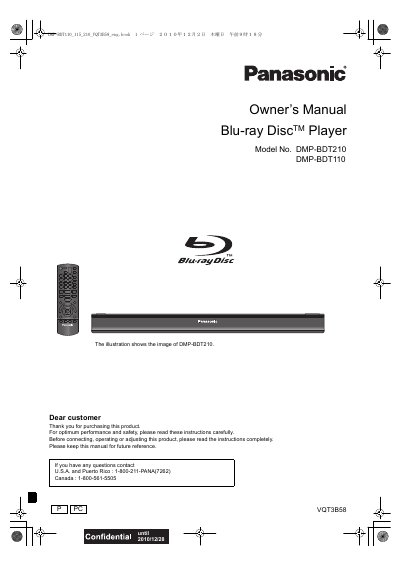
Panasonic DMP-BDT210 DMP-BDT110 Blu-ray Disc Player Owner's Manual
This manual covers the setup and operation of the Panasonic DMP-BDT210 and DMP-BDT110 Blu-ray Disc Players. It includes safety instructions, a list of accessories, and detailed guidance on connecting the unit to a TV, amplifier, or broadband network. The guide explains how to use the remote control, play various media formats including 3D video, and configure system settings.
Read onlinePanasonic DMP-BDT110 specifications
| Supported BD‑Video region code | C |
|---|---|
| Supported DVD‑Video region codes | 6 or ALL |
| Supported audio formats | Dolby Digital Plus, Dolby TrueHD, DTS‑HD High Resolution Audio, DTS‑HD Master Audio |
| Supported video formats | BD‑Video, DVD‑Video, DivX®, MKV, MP3, JPEG/MPO (3D still images), etc. |
| Remote control range | Approximately 7 m |
| Supported USB file systems | FAT12, FAT16, FAT32, exFAT (for SDXC) |
| Supported USB speed | USB 2.0 high‑speed |
Source: Panasonic DMP-BDT110 Blu-ray Disc Player User Manual
All Panasonic DMP-BDT110 documents by type
Day-to-day operation, settings and troubleshooting. Start here if the product is already set up.
Questions answered in these manuals
What models does this manual cover?
This manual is applicable to models DMP-BDT210 and DMP-BDT110.
From: Panasonic DMP-BDT210 DMP-BDT110 Blu-ray Disc Player Owner's Manual
Where can I find the contact number for the U.S.A.?
The contact number for the U.S.A. and Puerto Rico is 1-800-211-PANA (7262).
From: Panasonic DMP-BDT210 DMP-BDT110 Blu-ray Disc Player Owner's Manual
What type of batteries are required for the remote control?
The remote control requires two R6/LAG, AA (Alkaline or manganese) batteries.
From: Panasonic DMP-BDT310 DMP-BDT215 DMP-BDT210 DMP-BDT110 Manual
How should I clean the unit?
Clean this unit with a soft, dry cloth; never use alcohol, paint thinner, or benzine.
From: Panasonic DMP-BDT310 DMP-BDT215 DMP-BDT210 DMP-BDT110 Manual
Can I play a DVD‑RAM disc in this player?
No, DVD‑RAM discs are not supported.
How far can the remote control operate from the player?
The remote works up to about 7 meters in front of the unit.