
Key facts
- Brand
- Panasonic
- Model
- CN-DV255RD
- Documents
- 2
- Languages
- JA
- Last added
- 2011-10-05
Start here
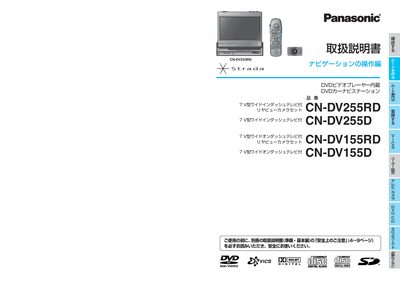
Panasonic CN-DV255RD/CN-DV255D/CN-DV155RD/CN-DV155D User Manual
This manual provides detailed instructions for the Panasonic CN-DV255 series navigation units, which combine a DVD video player with a car navigation system. It explains how to operate the navigation functions, create and edit routes, and use additional features such as VICS traffic information and SD‑memory card playback.
Installation notes, touch‑panel calibration, and system settings are also covered, helping installers and users configure vehicle signal connections, GPS antenna placement, and display adjustments for optimal performance. This manual is written in Japanese.
All Panasonic CN-DV255RD documents by type
Day-to-day operation, settings and troubleshooting. Start here if the product is already set up.
Questions answered in these manuals
What should I do if the GPS antenna shows no signal?
Check that the antenna is properly connected and positioned in a location with a clear view of the sky.
From: Panasonic CN-DV255RD/CN-DV255D/CN-DV155RD/CN-DV155D User Manual
How is VICS information displayed?
VICS data received via FM multiplex is shown on the map screen and can be toggled on or off from the menu.
From: Panasonic CN-DV255RD/CN-DV255D/CN-DV155RD/CN-DV155D User Manual
Can I use an SD‑memory card for navigation data?
Yes, insert an SD‑memory card and select the SD‑memory card option to load maps or saved routes.
From: Panasonic CN-DV255RD/DV255D/DV155RD/DV155D User Manual