
Key facts
Start here
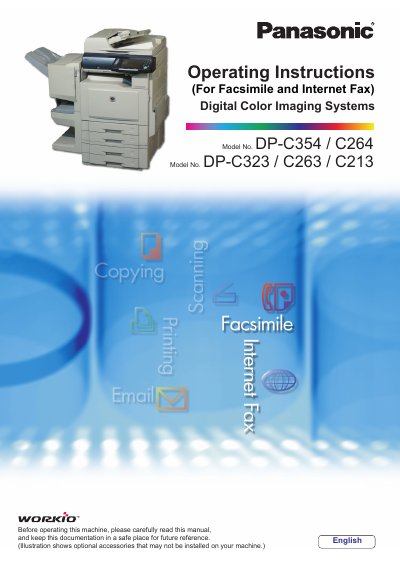
Panasonic DP-C354/C264/C323/C263/C213 Digital Color Imaging Systems Operating Instructions
This manual provides essential information for setting up and operating the Panasonic Digital Color Imaging Systems (Models: DP-C354/C264/C323/C263/C213). It covers basic operations including Copy, Print, Facsimile/Internet Fax, and Scan/Email functions. The document also details advanced features such as confidential communication, password protection, and document management.
Read onlinePanasonic C213 specifications
| CPU Requirement | Pentium II or greater |
|---|---|
| Recommended CPU | Pentium 4 or greater |
| Minimum Memory (Windows 98/Me) | 128MB or greater |
| Minimum Memory (Windows 2000/XP/NT 4.0/Server 2003) | 256MB or greater |
| Free Disk Space | 40MB or greater |
| Interface | 10Base-T/100Base-TX Ethernet Port/USB Port |
All Panasonic C213 documents by type
Day-to-day operation, settings and troubleshooting. Start here if the product is already set up.
- Panasonic DP-C354/C264/C323/C263/C213 Digital Color Imaging Systems Operating Instructions 60 p
- Panasonic DP-C354/C264/C323/C263/C213 Digital Color Imaging Systems Operating Instructions 44 p
- Panasonic DP-C354/C264/C323/C263/C213 Digital Color Imaging Systems Operating Instructions 98 p
- Panasonic DP-C354/C264/C323/C263/C213 Digital Color Imaging Systems Operating Instructions 220 p
- Panasonic DP-C354/C264/C323/C263/C213 Digital Color Imaging Systems Operating Instructions 220 p
- Panasonic Printer Driver Operating Instructions 84 p
- Panasonic DP-C354/C264/C323/C263/C213/8060/8045/8035/8020E/8020P PostScript3 Printer Driver Operating Instructions 92 p
Questions answered in these manuals
What models require the optional Hard Disk Drive, Main Memory, and Image Memory for Scanner Function operation?
The DP-C323/C263/C213 models require these specific optional components to operate the Scanner Function.
From: Panasonic DP-C354/C264/C323/C263/C213 Digital Color Imaging Systems Operating Instructions
How are created images rotated when using the Scan/Email function?
When using the Scan/Email function, the created images are rotated by 90 degrees.
From: Panasonic DP-C354/C264/C323/C263/C213 Digital Color Imaging Systems Operating Instructions
What is the default password for the Key Operator?
The default password is 00000000.
From: Panasonic DP-C354/C264/C323/C263/C213 Digital Color Imaging Systems Operating Instructions
Which power switch should be turned on first?
Turn ON the Main Power Switch first, and then turn ON the Power Switch.
From: Panasonic DP-C354/C264/C323/C263/C213 Digital Color Imaging Systems Operating Instructions
How many copies can be entered at once?
You can enter a desired number of copies up to 999.
From: Panasonic DP-C354/C264/C323/C263/C213 Digital Color Imaging Systems Operating Instructions
What happens if I input a number between 4 and 8 digits?
If the optional Fax Communication Board is installed, the machine interprets this as a telephone number and switches to Fax Mode.
From: Panasonic DP-C354/C264/C323/C263/C213 Digital Color Imaging Systems Operating Instructions