
This document is the user manual of NEC NP4100/NP4100W projector, which introduces the features and characteristics of the product, and lists relevant usage instructions
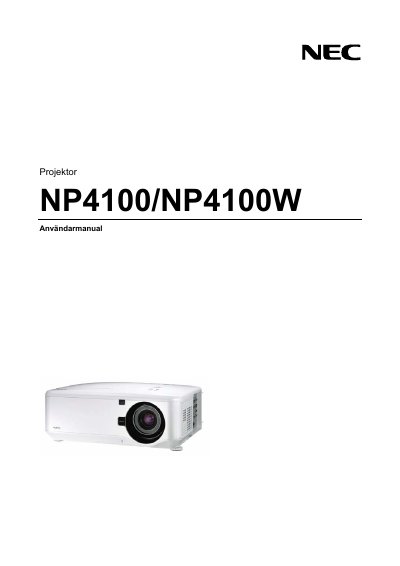
This manual covers important safety information for the NEC NP4100W projector, including warnings about high‑voltage components, laser class 2 radiation, and proper handling of the high‑pressure mercury lamp. It explains how to install the projector safely, maintain adequate ventilation, and avoid damage during transport and use.
Operational guidance includes step‑by‑step procedures for turning the unit on and off, connecting power and signal cables, using the remote control, and replacing the lamp. A troubleshooting checklist and contact information for qualified service personnel are also provided. This manual is written in Swedish.
| Power Supply | 100‑240 V AC 50/60 Hz |
|---|---|
| Laser Class | Class 2 |
| Lamp Type | High‑pressure mercury lamp |
| Ventilation Clearance | Minimum 20 cm from wall |
Replace the lamp only after the end‑of‑life warning appears, avoid touching the glass, and handle the mercury‑containing lamp with care to prevent breakage and exposure.
Maintain at least a 20 cm gap between the projector and any wall or obstruction to ensure adequate airflow.