
Key facts
- Brand
- Motorola
- Model
- XTL 5000
- Category
- Communications equipment
- Industry
- Electronics
- Documents
- 2
- Languages
- EN
- Last added
- 2026-11-16
Start here
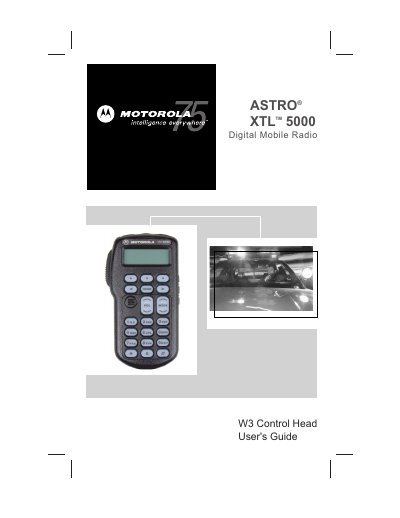
Motorola ASTRO XTL 5000 Digital Mobile Radio W3 Control Head User's Guide
Motorola ASTRO XTL 5000 Digital Mobile Radio with W3 Control Head User's Guide describes basic radio operation, including power on/off, zone and mode selection, monitoring, receiving, and transmitting in conventional and trunked systems. It also covers status annunciators, LED indications, and general features such as transmit power selection, emergency alarms, failsoft operation, keypad tone muting, scanning, and nuisance mode deletion.
Additional sections describe dynamic priority changes, viewing and programming scan or phone lists, and telephone operation, including answering calls, calling the last number dialed, and making delayed-access calls.
All Motorola XTL 5000 documents by type
Day-to-day operation, settings and troubleshooting. Start here if the product is already set up.
Questions answered in these manuals
How do you turn the radio on or off?
Press the top left button (T1).
From: Motorola ASTRO XTL 5000 Digital Mobile Radio W3 Control Head User's Guide
How do you send an emergency alarm?
Press and hold the orange top button (T2).
From: Motorola ASTRO XTL 5000 Digital Mobile Radio W3 Control Head User's Guide
What is the specific use restriction for this radio regarding FCC RF energy exposure?
This radio is restricted to occupational use only to satisfy FCC RF energy exposure requirements.
What steps should a user take if the radio causes harmful interference to radio or television reception?
The user is encouraged to try to correct the interference by reorienting the antenna, increasing separation, connecting to a different circuit, or consulting a technician.