
User guide for the Motorola ASTRO XTL 5000 digital mobile radio with W3 control head, covering basic operation, scanning, emergency, and telephone features.
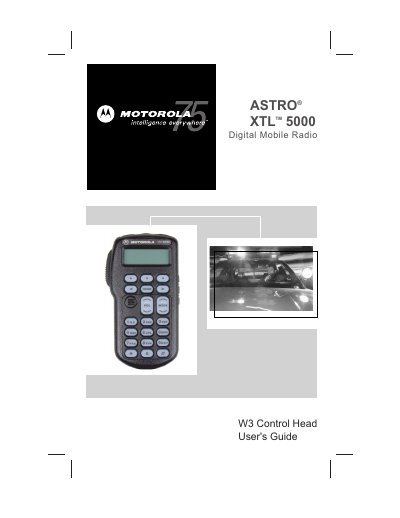
Motorola ASTRO XTL 5000 Digital Mobile Radio with W3 Control Head User's Guide describes basic radio operation, including power on/off, zone and mode selection, monitoring, receiving, and transmitting in conventional and trunked systems. It also covers status annunciators, LED indications, and general features such as transmit power selection, emergency alarms, failsoft operation, keypad tone muting, scanning, and nuisance mode deletion.
Additional sections describe dynamic priority changes, viewing and programming scan or phone lists, and telephone operation, including answering calls, calling the last number dialed, and making delayed-access calls.
Press the top left button (T1).
Press and hold the orange top button (T2).
Use the MUTE softkey and select ON or OFF.
Use the SCAN softkey and select ON or OFF.