
This user guide covers setup, operation, printing, copying, scanning, faxing, and troubleshooting for the HP LaserJet Pro MFP M426 and M427 series.
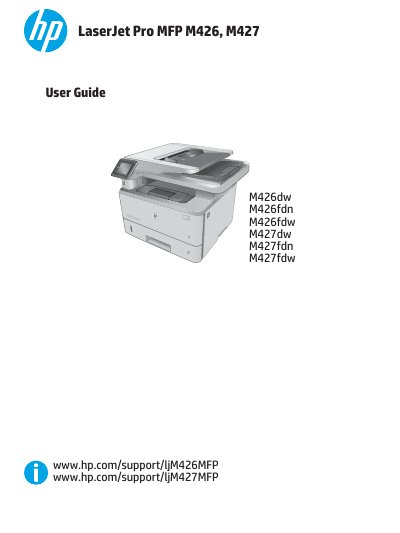
This document serves as the official user guide for the HP LaserJet Pro MFP M426 and M427 series. It provides comprehensive instructions on printer setup, operation, and maintenance, covering all major functions including printing, copying, scanning, and faxing. The guide also details how to manage the printer, configure network settings, and solve common problems.
| Print speed (A4) | 38 ppm |
|---|---|
| Print speed (Letter) | 40 ppm |
| Connectivity | 10/100/1000 Ethernet LAN |
| USB Interface | Hi-Speed USB 2.0 |
| Tray 1 Capacity | 100 sheets |
| Tray 2 Capacity | 250 sheets |
| Tray 3 Capacity | 550 sheets |
| Operating Temperature | 17.5° to 25°C |
The recommended operating temperature is 17.5° to 25°C (63.5° to 77°F).
Tray 3 has a maximum capacity of 550 sheets.
Yes, the printer supports automatic duplex printing.