
Key facts
Start here
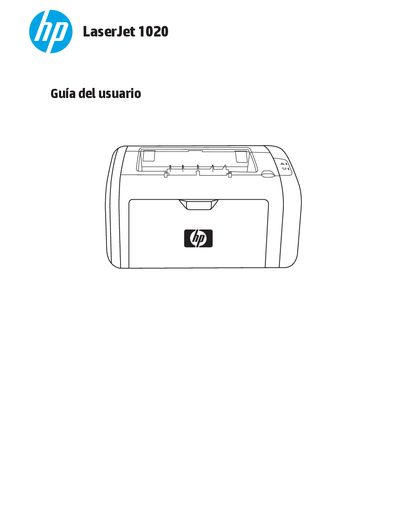
HP LaserJet 1020 User Guide
This guide covers the basic concepts of the HP LaserJet 1020 printer, including installation, configuration of printer settings, connection options, and supported media types. It also provides quick access to driver downloads, software, and online support resources.
Additional sections describe routine maintenance tasks such as cleaning the printer, replacing the toner cartridge and rollers, and detailed troubleshooting steps for common issues like paper jams, print quality problems, and communication errors. Appendices list technical specifications, environmental information, and warranty details. This manual is written in Spanish.
HP LaserJet 1020 specifications
| Print speed (A4) | 14 ppm |
|---|---|
| Print speed (Letter) | 15 ppm |
| Input tray capacity | 150 sheets |
| Output tray capacity | 100 sheets |
| Memory | 2 MB RAM |
| USB interface | USB 2.0 high speed |
Source: HP LaserJet 1020 User Manual
All HP LaserJet 1020 documents by type
Day-to-day operation, settings and troubleshooting. Start here if the product is already set up.
Questions answered in these manuals
How do I clear a paper jam in the HP LaserJet 1020?
Refer to the "Solución de atascos" section, which describes typical jam locations and how to extract a stuck page.
How can I replace the toner cartridge?
The guide includes a "Sustitución del cartucho de impresión" procedure that explains how to remove the old cartridge and install a new one.
How many sheets of paper can the main tray hold?
The main tray can hold up to 150 sheets of 20 lb paper or other media.
What is the maximum temperature the printer reaches during printing?
The printer reaches a maximum temperature of 200° C while keeping it for 0.1 second.
How many sheets can the main paper tray hold?
The main paper tray can hold up to 150 sheets of 20‑lb paper.
What types of media can be printed on the HP LaserJet 1020?
It can print on paper, envelopes, labels, transparency film, cardstock, and other media that meet the guide’s specifications.