
The HP LaserJet 1020 User Guide provides setup, operation, maintenance, and troubleshooting instructions for the LaserJet 1020 printer.
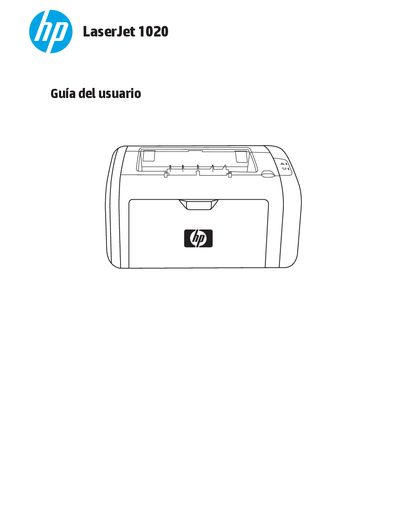
This guide covers the basic concepts of the HP LaserJet 1020 printer, including installation, configuration of printer settings, connection options, and supported media types. It also provides quick access to driver downloads, software, and online support resources.
Additional sections describe routine maintenance tasks such as cleaning the printer, replacing the toner cartridge and rollers, and detailed troubleshooting steps for common issues like paper jams, print quality problems, and communication errors. Appendices list technical specifications, environmental information, and warranty details. This manual is written in Spanish.
Refer to the "Solución de atascos" section, which describes typical jam locations and how to extract a stuck page.
The guide includes a "Sustitución del cartucho de impresión" procedure that explains how to remove the old cartridge and install a new one.
Cleaning instructions are provided in the "Limpieza de la impresora" section, covering the printer interior, cartridge area, and paper path.