
This document is a user guide for the HP LaserJet 1020 printer, providing information on basic printer details, configuration, printing tasks, maintenance, and troubleshooting.
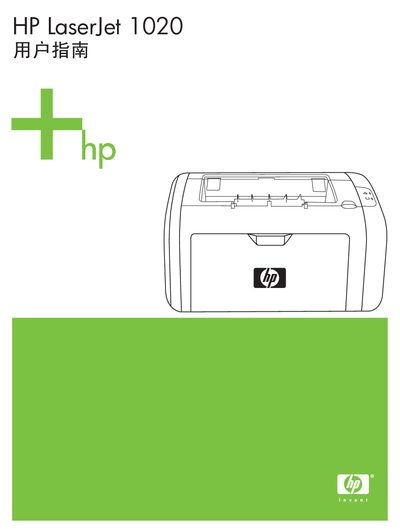
This manual covers the basic information and configuration of the HP LaserJet 1020 printer, including a walk‑around of the hardware, control panel description, media path, and connection options such as the USB cable. It also lists supported operating systems and driver software.
Detailed sections explain printing tasks, media selection, manual feed, double‑sided printing, and quality settings, followed by maintenance procedures, cleaning instructions, and a comprehensive troubleshooting guide with error codes and solutions. This manual is written in Chinese.
The main paper tray can hold up to 150 sheets of 20‑lb paper.
It can print on paper, envelopes, labels, transparency film, cardstock, and other media that meet the guide’s specifications.