
This document is the user guide for HP LaserJet 1020 printer, which provides information about the basic features, configuration, printing tasks, maintenance, and troubleshooting of the printer.
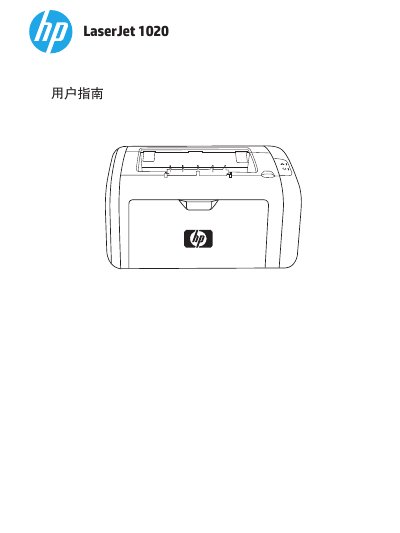
The HP LaserJet 1020 is a laser printer designed to produce high-quality text and graphics. This user guide covers basic information about the printer configuration, including the paper path, control panel functions, and supported media types such as envelopes, labels, and transparencies.
The document provides detailed instructions for performing print tasks like manual feed, duplex printing, and creating booklets. It also includes a comprehensive maintenance section covering cleaning procedures, replacing consumables like toner cartridges and fuser rollers, and troubleshooting common issues such as paper jams and print quality defects. This manual is written in Chinese.
The main tray can hold up to 150 sheets of 20 lb paper or other media.
The printer reaches a maximum temperature of 200° C while keeping it for 0.1 second.
For best results, you should use standard 75 g/m2 paper.