
User manual for the HP Photosmart C3100 series all-in-one printer, covering installation, ink cartridge replacement, and basic operation instructions.
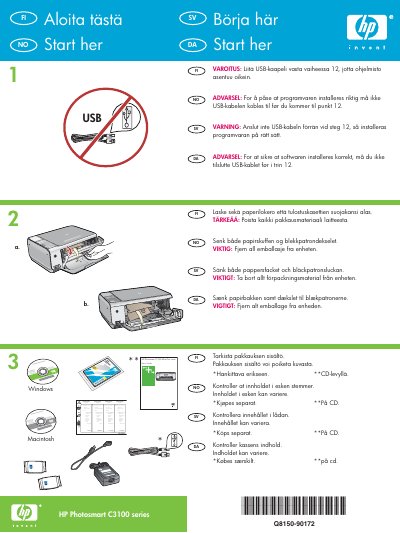
This document is the user manual for the HP Photosmart C3100 series all-in-one printer. It provides instructions for setting up the device, including connecting the USB cable and installing the software on Windows or Macintosh computers. The manual also details the initial power-on procedure and the specific steps for removing tape and installing the color and black ink cartridges. This manual is written in Chinese.
HP Photosmart C3100 series.
Close the ink cartridge cover.