
Key facts
Start here
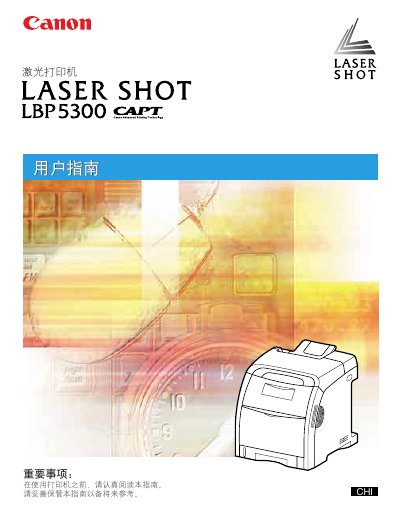
Canon LBP5300 Laser Printer User Guide
This manual serves as the comprehensive user guide for the Canon LBP5300 laser printer. It provides detailed instructions on installing the printer, loading paper, setting up the printing environment, and operating the device. The guide also includes sections on daily maintenance tasks such as replacing toner cartridges and cleaning the printer, as well as a troubleshooting section to help resolve common issues like paper jams and print quality problems. This manual is written in Chinese.
Read onlineAll Canon LBP5300 documents by type
Day-to-day operation, settings and troubleshooting. Start here if the product is already set up.
Questions answered in these manuals
What is the maximum width of paper this printer can handle without reducing speed?
The printer can handle paper up to 210.0 mm wide, though printing speed may drop to about 1.6 pages per minute for continuous printing at this width.
How many pages per minute does the printer print when using envelopes?
When printing envelopes, the speed is approximately 3.2 pages per minute.
How can I connect the printer via USB?
Connect the printer to the computer using a USB cable as described in the "使用 USB" instructions.