
The SX80 Multimedia Projector is a high-performance projector capable of projecting high-resolution computer screens, high-quality digital images, images from digital cameras, and USB flash memories. It features smooth and beautiful imaging capability, native SXGA+ resolution, high-powered 1.5X zoom lens, auto setup function, and HDMI input terminal.
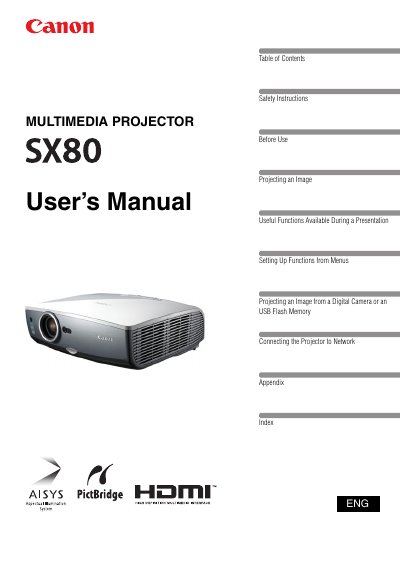
The Canon SX80 Multimedia Projector is a high-performance device capable of projecting high-resolution computer screens, digital images, and video from AV equipment. It features Canon's unique AISYS optical engine and LCOS technology to achieve high brightness, high contrast, and smooth, lattice-free images with native SXGA+ resolution (1400 by 1050 dots). The projector includes a high-powered 1.5X zoom lens and an Auto Setup function for quick and easy configuration of focus and keystone distortion.
| Native Resolution | 1400 by 1050 dots |
|---|---|
| Zoom Lens | 1.5X |
| Image Projection Size | 100-inch |
The native resolution is SXGA+, which is 1400 by 1050 dots.
Yes, it is capable of directly projecting images taken by PictBridge enabled digital cameras.
Yes, the Auto Setup Function automatically adjusts focus and keystone distortion for quick setup.