
Key facts
- Brand
- Canon
- Model
- A470
- Category
- Digital cameras
- Industry
- Electronics
- Documents
- 2
- Languages
- ZH
- Last added
- 2026-10-14
Start here
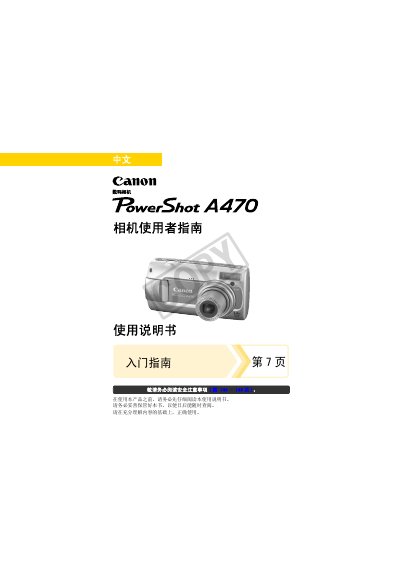
Canon PowerShot A470 Digital Camera User Guide
This document serves as a comprehensive guide for operating the Canon PowerShot A470 digital camera. It covers essential topics including safety precautions, initial setup, basic operations such as taking still images and movies, and advanced features like face detection and various shooting modes.
The manual also provides detailed instructions on image playback, deletion, printing via DPOF settings, transferring data to a computer, and connecting the camera to a television. It includes troubleshooting tips, maintenance advice for battery care, and technical specifications. This manual is written in Chinese.
Canon A470 specifications
| Effective Pixels | Approx. 7.1 million |
|---|---|
| Image Sensor | 1/2.5-inch type CCD (Total pixels: approx. 7.4 million) |
| Lens Focal Length | 6.3 (W) – 21.6 (T) mm (equivalent to 38-132mm on 35mm film) |
| Max Optical Zoom | Approx. 3.4x |
| LCD Screen | 2.5-inch TFT color LCD, approx. 115,000 dots |
| Shutter Speed Range | 1/60 - 1/2000 seconds (15 - 1/2000 seconds in some modes) |
All Canon A470 documents by type
Day-to-day operation, settings and troubleshooting. Start here if the product is already set up.
Questions answered in these manuals
What type of memory cards are compatible with this camera?
The camera supports SD, SDHC (SD High Capacity), MultiMediaCards, MMCplus cards, and HC MMCplus cards.
What is the maximum optical zoom ratio?
The camera has an approximate 3.4x optical zoom.
How many AA batteries does the Canon A470 require?
The camera uses two AA batteries.
What is the supported memory size for the Canon A470?
It supports a 32 MB memory card.