
Key facts
- Brand
- Canon
- Model
- MF4150
- Category
- Fax machine
- Industry
- Appliances
- Documents
- 3
- Languages
- ZH
- Last added
- 2026-10-23
Start here
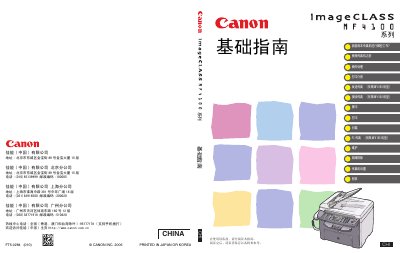
Canon MF4150 Fax Machine Basic Guide
User Manual 161 pages · 8.5 MB · ZH
This document serves as a basic guide for the Canon MF4150 fax machine. It provides instructions on how to use the device for essential functions such as sending and receiving faxes, copying, printing, and scanning. The guide also covers initial setup procedures and basic maintenance tasks required for the device. This manual is written in Chinese.
Read onlineCanon MF4150 specifications
| Type | Personal Desktop Computer |
|---|---|
| Power Supply | 220V, 50Hz |
| Power Consumption | Max: Less than 710W |
| Warm-up Time | 9.0 seconds or less |
| Weight | Approx. 13.4 kg (including toner) |
All Canon MF4150 documents by type
User Manual 2
Day-to-day operation, settings and troubleshooting. Start here if the product is already set up.
Other documents 1
Questions answered in these manuals
What is the maximum power consumption of the Canon MF4150?
The maximum power consumption is less than 710W.
How much does the Canon MF4150 weigh including the toner cartridge?
The weight is approximately 13.4 kg including the toner cartridge.
What should I do if the display shows <CLOSE COVER/PRINTER COVER>?
Ensure the printer cover and scanner platen are correctly closed.
What should I do if the display shows <TONER IS NOT SET/INSERT TONER>?
Ensure the toner cartridge is installed correctly.