
This manual introduces the PAL series products, interface, signal definition, instruction and command set, as well as common problems and troubleshooting.
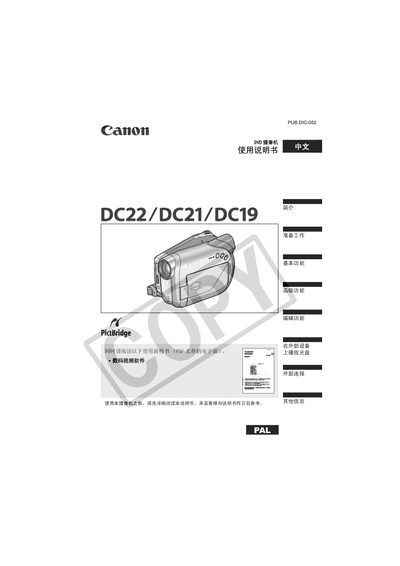
This manual covers the Canon DC22, DC21, and DC19 camcorders, which record video and still images on 8 cm mini DVD discs. It explains DVD disc types, recording modes, and basic camera functions.
The guide also describes menu operation, initial setup, editing functions, playback on external DVD devices, and use of the included MyDVD for Canon software on Windows computers. This manual is written in Chinese.
| Disc size | 8 cm mini DVD |
|---|---|
| Supported operating systems | Windows 2000/Me/XP |
| Power adapter | CA-570 |
It uses 8 cm mini DVD discs, including DVD-R, DVD-R DL, and DVD-RW.
No, it works only with Windows 2000/Me/XP systems and is not compatible with Macintosh.
Use the CA-570 compact power adapter; other adapters may damage the camcorder.