
This document is about PAL 6.0.12 version description
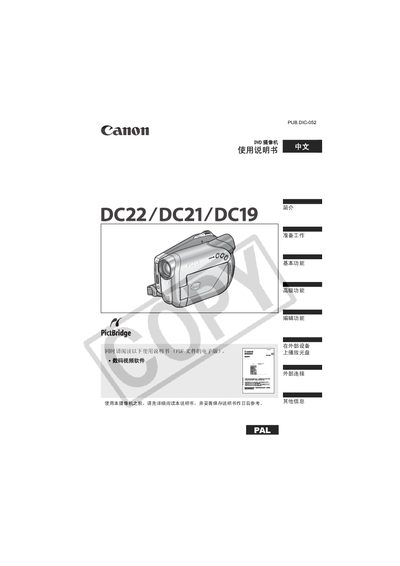
This is the Chinese user manual for the Canon DC22/DC21/DC19 DVD camcorder. It explains DVD disc types and available functions by disc, preparation, basic and advanced recording, menus, editing, and playback on external devices.
It also covers recording video and still images, aspect-ratio selection, shooting programs, focus and exposure adjustment, scene and playlist editing, disc finalization, and an index of topics. This manual is written in Chinese.
| Supported disc types | 8 cm mini DVD discs: DVD-R, DVD-R DL, or DVD-RW |
|---|---|
| Recording aspect ratio | 16:9 widescreen or 4:3 |
| Included software compatibility | Windows 2000/Me/XP; not compatible with Macintosh |
| Power adapter | CA-570 small power adapter; other adapters may damage the camcorder |
It uses 8 cm mini DVD discs: DVD-R, DVD-R DL, or DVD-RW.
Yes, the recording aspect ratio can be set to 16:9 widescreen or 4:3.
The included software supports Windows 2000/Me/XP and is not compatible with Macintosh.
Use the CA-570 small power adapter; using another adapter may damage the camcorder.