
Key facts
- Brand
- Brother
- Model
- MFC-5460CN
- Documents
- 2
- Languages
- ZH
- Last added
- 2011-09-20
Start here
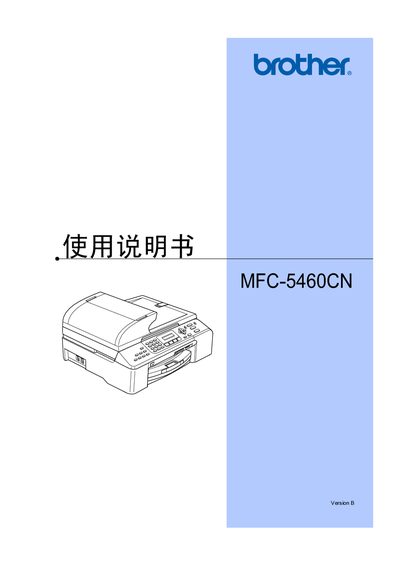
Brother MFC-5460CN User Manual
This manual covers the overall overview of the MFC-5460CN multifunction printer, including loading paper and media, general settings, safety features, and detailed instructions for fax, copying, and direct photo printing. It also explains software and network functions, such as LAN connectivity and PictBridge usage.
Additional sections provide troubleshooting, routine maintenance, and specifications of the device, along with regulatory and safety information. The appendix includes a glossary, menu programming details, and a parts list. This manual is written in Chinese.
Brother MFC-5460CN specifications
| Supported media types | paper, envelopes, cards |
|---|---|
| Fax capability | supports color transmission |
| Scanner type | flatbed scanner |
Source: Brother MFC-5460CN User Manual
All Brother MFC-5460CN documents by type
Day-to-day operation, settings and troubleshooting. Start here if the product is already set up.
Mounting, wiring and first power-up. Read it before the hardware goes in.
Questions answered in these manuals
Can I use non‑Brother ink cartridges?
Using ink cartridges other than original Brother cartridges is not recommended and may void the warranty.
Will the printer work if I use it outside the country of purchase?
Brother states that the product may not operate correctly outside the original purchase country and no support is provided.
Which Windows versions are supported?
The printer supports Windows 98, 98SE, Me, 2000 and XP (including 64‑bit versions).