
This is a summary of the MFC-5460CN Quick Installation Guide, which includes steps, notes and illustrations for installing hardware and software.
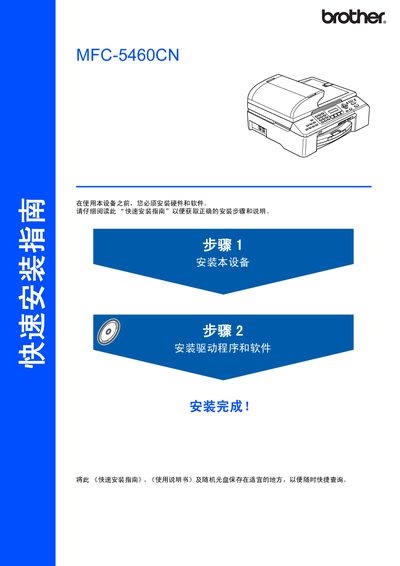
The guide explains how to safely install the MFC-5460CN multi‑function printer, lists required hardware, and details safety warnings to prevent injury or damage. It also describes supported operating systems, including Windows 98/98SE/Me/2000/XP and Mac OS X 10.2.4 or later, and outlines the necessary USB and network connections.
Installation steps cover connecting the USB 2.0 or 10BASE‑T/100BASE‑TX Ethernet ports, configuring the printer with the BRAdmin utility, loading consumables, and performing basic tests. The manual also includes instructions for uninstalling the MFL‑Pro Suite and tips for handling packaging materials for future service. This manual is written in Chinese.
| USB Interface | USB 2.0 |
|---|---|
| Network Interface | 10BASE‑T / 100BASE‑TX |
The printer supports Windows 98, 98SE, Me, 2000 and XP (including 64‑bit versions).