
The ATEN CE750 USB KVM Extender User Manual provides setup, operation, and technical specifications for the local and remote units.
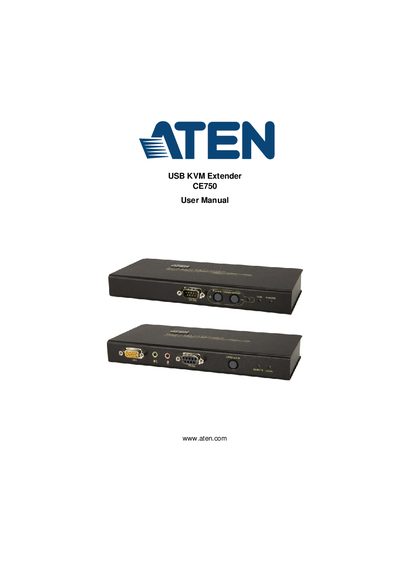
This manual explains how to install and configure the ATEN CE750 USB KVM Extender, including hardware setup, rack mounting, grounding, and cable connections. It covers both the CE750L local unit and the CE750R remote unit, describing their front and rear views, ports, and LEDs.
The document also details operating modes, picture compensation, safety instructions, troubleshooting steps, and technical specifications such as video resolution, power consumption, and environmental limits.
| Keyboard Port | 1 x USB Type A Female (White) |
|---|---|
| Video Resolution | 1920 x 1200 @ 60Hz |
| Power Consumption (Local) | DC5.3V/3.0W |
| Operating Temperature | 0–50 °C |
| Weight | 0.49 kg |
| Maximum Cable Distance | 150 m using Cat 5e cable |
The CE750 can connect local and remote units at distances up to 150 m using Cat 5e cable.
The local unit consumes DC 5.3 V at 3.0 W, while the remote unit consumes DC 5.3 V at 4.2 W.
The CE750 supports up to 1920 × 1200 @ 60 Hz video resolution.
The CE750 provides a USB Type‑A female connector for the keyboard.