
This manual introduces the functions and usage of CE750 USB KVM Extender.
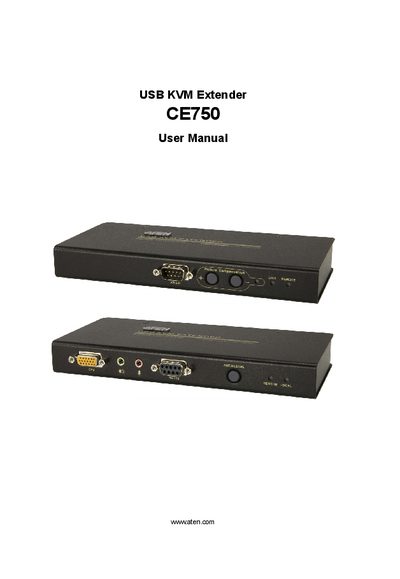
This manual covers everything needed to install and operate the ATEN CE750 USB KVM Extender system, including the local (CE750L) and remote (CE750R) units, required cables, power adapters, and rack‑mount accessories. It explains hardware setup, wiring, grounding, and mounting procedures, as well as how to register the product and obtain technical support.
The document also contains detailed specifications for connectors, video resolutions, power consumption, environmental limits, and physical dimensions, plus a troubleshooting guide for common video and connectivity issues.
| Keyboard connector | 1× USB Type‑A Female (White) |
|---|---|
| Mouse connector | 1× USB Type‑A Female (White) |
| Video resolution | 1920 × 1200 @ 60 Hz |
| Power consumption | DC 5.3 V / 4.2 W |
| Operating temperature | -50 °C |
| Weight | 0.49 kg |
| Dimensions (L×W×H) | 20.0 × 8.0 × 2.5 cm |
Register online at the ATEN support site (http://support.aten.com) or the North America site (http://aten-usa.com/product_registration).
Make sure that all cables are securely plugged into their sockets.
Each unit consumes up to DC 5.3 V at 4.2 W.