
Key facts
- Brand
- ABB
- Model
- SCU100
- Category
- Industrial Robot
- Documents
- 2
- Languages
- ZH · EN
- Last added
- 2026-10-03
Start here
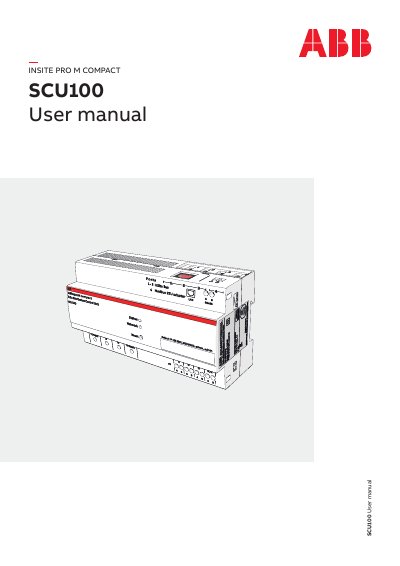
ABB SCU100 Sub-distribution Control Unit User Manual
The ABB InSite pro M compact is a monitoring system designed for energy and asset management. It consists of a Sub-distribution Control Unit (SCU100) connected to field devices such as energy meters, current sensors, and digital I/O modules. Data is transmitted via Modbus RTU, the InSite bus flat cable, or LAN interfaces using Modbus TCP and SNMP protocols.
Read onlineABB SCU100 specifications
| Supply voltage (IEC) | 90‑240 V AC (L1‑N) |
|---|---|
| Supply voltage (UL/CSA) | 80‑277 V AC (L1‑N) |
| Frequency | 50 / 60 Hz |
| Power consumption | 5‑45 VA (depends on sensors/I‑O modules) |
| Operating temperature | -25 °C … +60 °C |
| LAN speed | 100 Mbit/s |
| Modbus RTU baud rate | 2400 … 115200 |
Source: ABB SCU100 Secondary Distribution Control Unit Installation Manual
All ABB SCU100 documents by type
Mounting, wiring and first power-up. Read it before the hardware goes in.
Day-to-day operation, settings and troubleshooting. Start here if the product is already set up.
Questions answered in these manuals
What is the default IP address of the SCU100 control unit?
The default IP address is 192.168.1.200:8000.
From: ABB SCU100 Secondary Distribution Control Unit Installation Manual
Which communication interfaces does the SCU100 provide?
It includes an InSite bus interface, a Modbus RTU adapter, a 2‑wire RS‑485 port, and an RJ45 LAN port.
From: ABB SCU100 Secondary Distribution Control Unit Installation Manual
How do I restart the device?
Press the recessed reset button for 3 to less than 6 seconds.
How do I reset the device to factory settings?
Press the recessed reset button for more than 10 seconds.