
INSITE PRO M COMPACT SCU100 User manual, introduces the features and characteristics of the product, installation and maintenance.
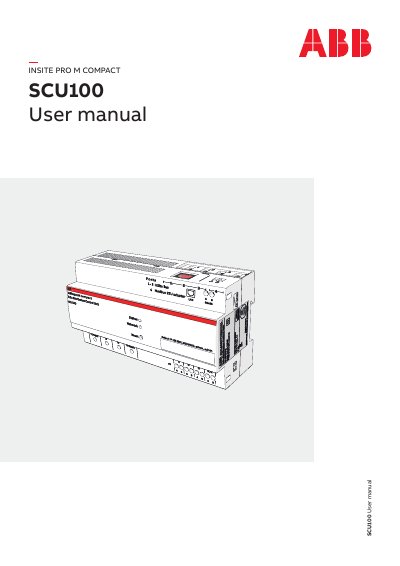
The ABB InSite pro M compact is a monitoring system designed for energy and asset management. It consists of a Sub-distribution Control Unit (SCU100) connected to field devices such as energy meters, current sensors, and digital I/O modules. Data is transmitted via Modbus RTU, the InSite bus flat cable, or LAN interfaces using Modbus TCP and SNMP protocols.
| Reset button function (3-6s) | restarts the device with current settings |
|---|---|
| Reset button function (>10s) | resets the device to the factory settings |
| InSite Bus capacity | up to 96 sensors/digital channels |
| Wire gauge max | 2.5 mm2 |
| AC accuracy (Open-core sensors) | ≤ ± 1.0% |
| AC accuracy (Solid-core sensors) | ≤ ± 0.5% |
Press the recessed reset button for 3 to less than 6 seconds.
Press the recessed reset button for more than 10 seconds.
The maximum wire gauge is 2.5 mm2.