
Key facts
- Brand
- ABB
- Model
- ACH550-01
- Industry
- Industrial
- Documents
- 2
- Languages
- EN
- Last added
- 2022-12-29
Start here
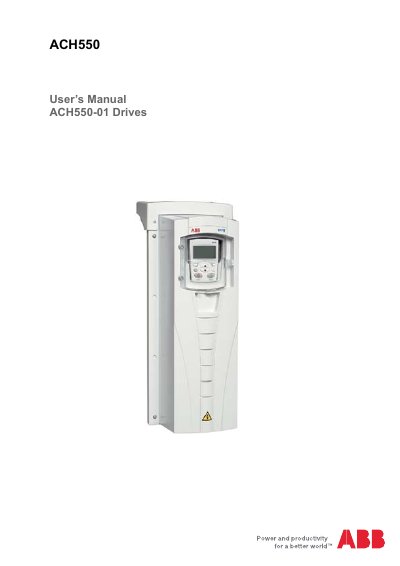
ABB ACH550-01 Drive User's Manual
The ACH550-01 User's Manual provides comprehensive instructions for installing, starting up, and operating the ABB ACH550-01 drive. It details preparation steps, mounting procedures for various frame sizes (R1 to R6), and wiring considerations including power, motor, and control cables.
The guide also explains how to use the HVAC control panel features, select application macros for different functions like fans and pumps, configure real-time clocks, set up serial communications via fieldbus adapters, manage parameters, and perform diagnostics and maintenance tasks.
ABB ACH550-01 specifications
| Power rating (ACH550‑01/UH) | 0.75 kW (90 kW) / 1 150 HP |
|---|---|
| Power rating (ACH550‑02/U2) | 110 kW (355 kW) / 150 550 HP |
| Communication interface | RS485 at terminals X1:28‑32 |
| Supported fieldbus protocols | Modbus, Metasys N2, APOGEE FLN, BACnet |
All ABB ACH550-01 documents by type
Day-to-day operation, settings and troubleshooting. Start here if the product is already set up.
Questions answered in these manuals
What is the document number for this manual?
The document number is 3AFE68258537.
Which frame sizes are covered in this manual?
The manual covers frame sizes R1 through R6.
Which communication protocols are supported by the ACH550 drives?
The ACH550 supports Modbus, Metasys N2, APOGEE FLN and BACnet (not available at the time of printing).
How do I select the serial communication protocol on the drive?
Set parameter 9802 COMM PROTOCOL SEL to the desired value (1 = Modbus, 2 = N2, 3 = FLN, 5 = BACnet).