
This document describes the features and characteristics of a projector, including product preparation, part names, attachment and remote control setup, connecting devices and power supply, and remote control operation.
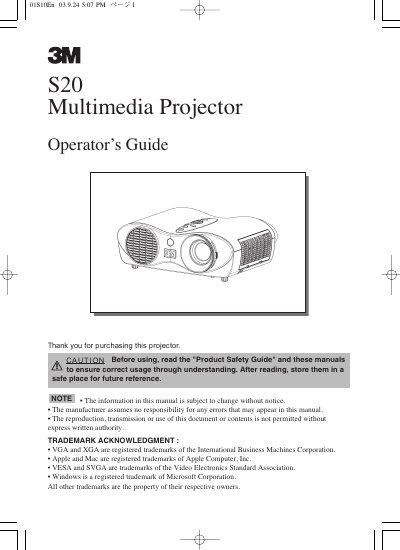
The 3M S20 multimedia projector is designed to project computer and NTSC/PAL/SECAM video signals onto a screen with ultra-high brightness. Key features include a whisper mode for quiet operation, user memory for saving settings, partial magnification, and keystone distortion correction. The device supports various input signals including RGB, Video, S-Video, and Component Video.
| Brightness | Ultra High Brightness (UHB) |
|---|---|
| Noise Reduction | Whisper Mode |
| User Memory | 4 settings |
| Magnification | Partial Magnification |
| Keystone Correction | Electric |
| Lamp Power | 160W |
| Elevator Adjustment Range | 0 to 9 degrees |
It projects various computer signals as well as NTSC / PAL / SECAM video signals.
The projector can memorize 4 settings using the MY MEMORY function.
You must allow the lamp bulb to cool for at least 45 minutes.
The elevator feet can be adjusted from 0 to 9 degrees.