
This report introduces the features and performance of the Macia Koffer series of luggage. The series is made of durable materials and features water-resistance, scratch-resistance and impact-resistance. The luggage also comes with adjustable shoulder straps and wheels, making it easy to transport.
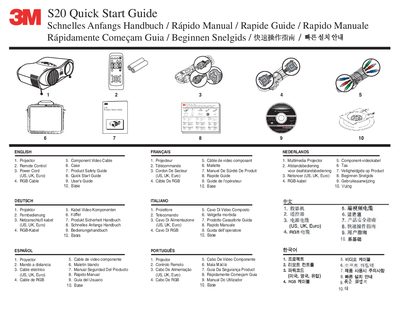
The document serves as a multilingual quick start guide for the 3M S20 Multimedia Projector. It lists included accessories such as the power cord, RGB cable, component video cable, base, and product safety guide. The guide also details the functions of the remote control buttons, including controls for input selection (RGB, VIDEO), image adjustment (ASPECT, KEYSTONE, MAGNIFY), and system settings (AUTO, MENU).
The manual includes setup instructions for connecting audio and computer sources, as well as maintenance procedures. It specifies that the air filter should be cleaned every 100 hours of operation and provides contact information for 3M Austin Centers for further assistance.
The Austin center is located at 6801 River Place Blvd., Austin, TX 78726-9000.