
Key facts
- Brand
- STMicroelectronics
- Model
- STEVAL-IME003V1
- Documents
- 2
- Languages
- EN
- Last added
- 2012-08-07
Start here
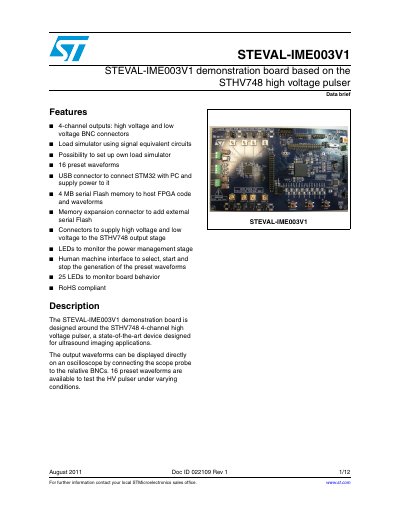
ST STEVAL-IME003V1 STEVAL-IME003V1 demonstration board based on the STHV748 high voltage pulser handbook
The STEVAL-IME003V1 is a demonstration board designed around the STHV748 4-channel high voltage pulser. It includes BNC connectors for high and low voltage outputs, a load simulator using signal equivalent circuits, and a USB connector to connect an STM32 microcontroller with a PC.
Read onlineSTMicroelectronics STEVAL-IME003V1 specifications
| Number of outputs | 4-channel |
|---|---|
| Waveforms available | 16 preset waveforms |
| Memory capacity | 4 MB serial Flash memory |
All STMicroelectronics STEVAL-IME003V1 documents by type
Ratings, dimensions and ordering codes, for selection and design work.
How to use the product for one specific task, with worked examples.
Questions answered in these manuals
What is the STEVAL-IME003V1 demonstration board designed for?
The board is designed around the STHV748 4-channel high voltage pulser for ultrasound imaging applications.
How many preset waveforms are available on the board?
There are 16 preset waveforms available to test the HV pulser.
What is the purpose of the STEVAL-IME003V1 board?
It is designed around the STHV748 4-channel high voltage pulser for ultrasound imaging applications.
From: STMicroelectronics STEVAL-IME003V1 Application Note AN3961
How can output waveforms be displayed?
Waveforms can be displayed directly on an oscilloscope by connecting the scope probe to the relative BNCs.
From: STMicroelectronics STEVAL-IME003V1 Application Note AN3961