
This document provides instructions on the installation, power supply, clock memory backup, and radio usage of Philips clock radio product.
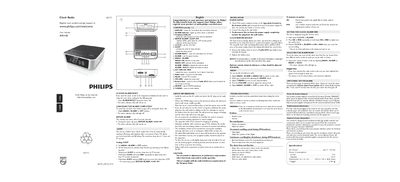
This user manual provides instructions for installing and operating the Philips AJ3112 clock radio. It covers setting the clock and alarm, selecting radio modes, adjusting volume, and using sleep and repeat alarm functions. Safety precautions are included for proper use and disposal. The manual also lists technical specifications such as power consumption and dimensions.
| AC Power | 220 V / 50 Hz |
|---|---|
| Power Consumption | Active 5W, Standby <2W |
| Dimensions | 130.4 x 130 x 46.8 (mm) |
| Weight | 0.44 kg |
Hold down CLOCK or ALARM, then press HR or MIN repeatedly or hold them to adjust the time. Release when done.
You can choose between radio alarm mode or buzzer alarm mode by adjusting RADIO / ALARM to RADIO or BUZZ.
The sleep function automatically switches off the radio after a set time, up to 1 hour and 59 minutes, to help you fall asleep.