
242E1 user manual, introducing product installation, use, maintenance and troubleshooting
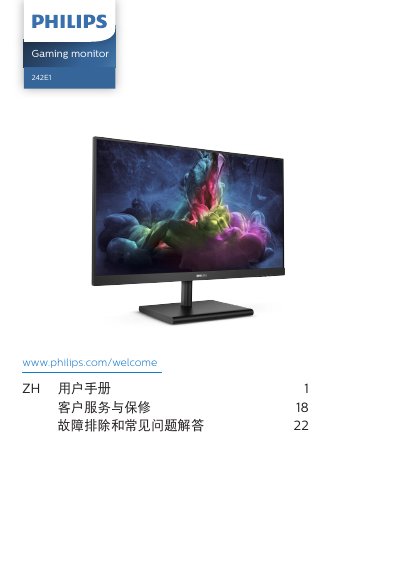
The Philips 242E1 user manual covers the 242E1GSJ and 242E1GAJ gaming monitors. It describes safety measures and maintenance, disposal of product and packing material, installing the base and stand, connecting to a PC, and the front controls and OSD menu.
The document also explains image optimization with SmartImage and SmartContrast, AMD FreeSync Premium, technical specifications, resolution and preset modes, power management, the Philips pixel defect policy and warranty information, plus troubleshooting and a general FAQ. This manual is written in Chinese.
| Operating temperature | 0-40 °C (32-104 °F) |
|---|---|
| Operating humidity | 20-80% RH |
| AC/DC adapter for 242E1GSJ | Philips ADPC1938EX |
| AC/DC adapter for 242E1GAJ | Philips ADPC1945EX |
The monitor is specified for use at 0-40 °C (32-104 °F).
The 242E1GSJ should only use the Philips ADPC1938EX AC/DC adapter.
Always activate a moving screen saver when the monitor is left unattended.