
This Philips 242E1 Gaming Monitor User Manual covers setup, operation, image optimization, power management, and troubleshooting.
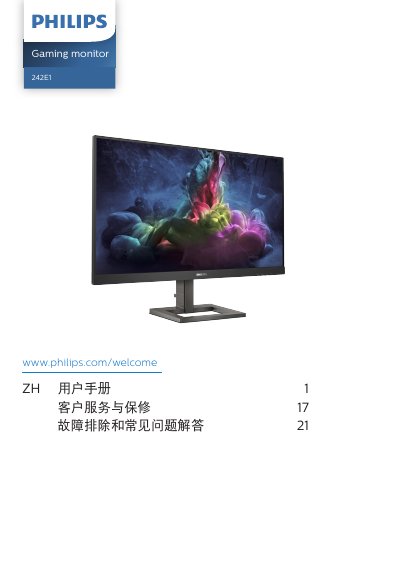
This user manual is for the Philips 242E1 gaming monitor and provides safety information, setup instructions, and operating guidance for all users. It explains how to assemble the stand, connect cables, use the on-screen display, and adjust image settings.
The document also covers SmartImage modes, Adaptive Sync, technical specifications, power management, warranty terms, and troubleshooting steps for common monitor issues. This manual is written in Chinese.
| Operating temperature | 0-40 ºC (32-104 ºF) |
|---|---|
| Humidity | 20-80% RH |
| AC/DC adapter model | Philips ADPC1945EX |
You must wait 6 seconds before reconnecting the power cord or DC power cord for normal operation.
Wipe it dry with a soft cloth as soon as possible.
Use the Philips ADPC1945EX AC/DC adapter model.