
Key facts
Start here
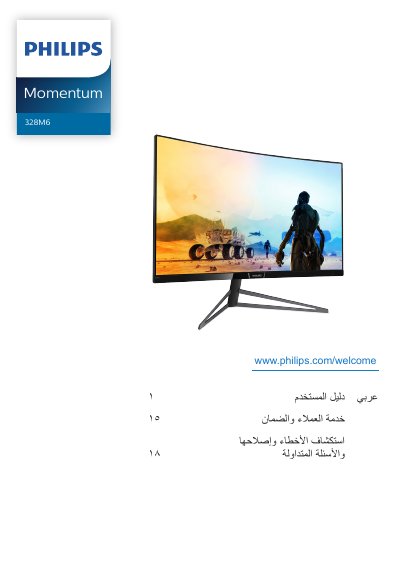
Philips Momentum 328M6 Monitor User Manual
This is the user manual for the Philips Momentum 328M6 monitor. The extracted pages cover safety information, installation-related instructions, VESA mounting references, and the connectors shown for VGA, DP, HDMI, and Kensington.
The manual also describes the on-screen display, including the Main menu and sections such as Picture, SmartSize, Audio, Color, Language, OSD Settings, and Setup. It includes recycling and WEEE information, troubleshooting guidance, and technical specifications.
Philips 328M6 specifications
| Panel Type | MVA |
|---|---|
| Backlight | LED |
| Screen Size | 31.5" (80 cm) |
| Aspect Ratio | 16:9 |
| Pixel Pitch | 0.364 mm × 0.364 mm |
| SmartContrast Ratio | 50,000,000:1 |
| Response Time (typ.) | 22 ms (GtG) |
| SmartResponse Time (typ.) | 4 ms (GtG) |
| Native Resolution | 1920 × 1080 @ 60 Hz |
| Vertical Refresh Rate | 48 Hz – 146 Hz |
| FreeSync | Supported |
| Inputs | VGA, DisplayPort 1.2, HDMI 1.4 |
| Power Input | 100‑240 VAC, 50‑60 Hz |
All Philips 328M6 documents by type
Day-to-day operation, settings and troubleshooting. Start here if the product is already set up.
Questions answered in these manuals
Can the Philips Momentum 328M6 monitor be recycled?
The manual says the display is made with materials and components that can be recycled and reused.
Can the monitor be disposed of with normal household waste?
No. Under European Directive 2012/19/EU, the product may not be disposed of with normal household waste.
Why is there no picture on the screen?
Check that the power cable is firmly connected to both the outlet and the monitor, ensure the power button is turned on, and verify that the video cable is correctly attached to the PC.
What resolution should I use for best display quality?
The monitor works best at its native resolution of 1920 × 1080 @ 60 Hz; using this setting provides optimal image quality.