
Key facts
- Brand
- Philips
- Model
- CD490 CD495
- Category
- Telephone
- Industry
- Electronics
- Documents
- 2
- Languages
- UK · ZH
- Last added
- 2026-11-22
Start here
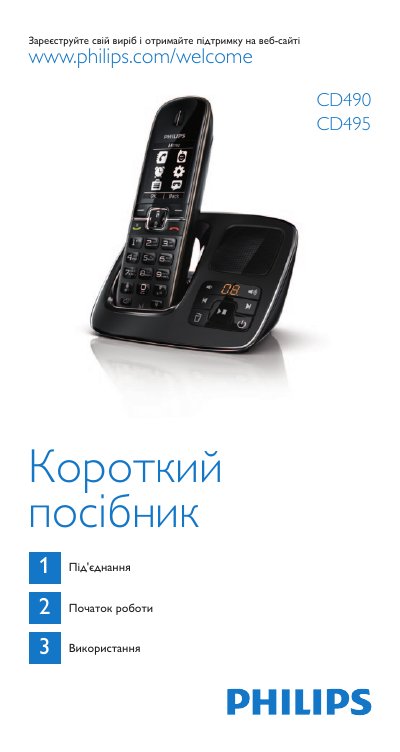
Philips CD490 CD495 Telephone System Quick Start Guide
Quick Start Guide 6 pages · 976 KB · UK
This guide helps you connect and set up your Philips CD490 or CD495 telephone system. It includes instructions for connecting the base station, charging the handset, and making calls. It also covers basic settings like language and date/time, and features such as adding contacts and using the answering machine (on CD495).
Read onlinePhilips CD490 CD495 specifications
| Power requirement | 100-240 V AC |
|---|---|
| Operating temperature | 0°C to +40°C; relative humidity below 90% |
| Storage temperature | -20°C to +45°C; relative humidity below 95% |
All Philips CD490 CD495 documents by type
Quick Start Guide 1
The shortest path to a working setup, usually only a few pages.
User Manual 1
Day-to-day operation, settings and troubleshooting. Start here if the product is already set up.
Questions answered in these manuals
How do I add a contact to the phone book?
Press [Пapaм.] > [Додати новий], enter the name and number, then confirm.
From: Philips CD490 CD495 Telephone System Quick Start Guide
How do I register my Philips CD490 CD495 product?
Visit www.philips.com/welcome to register your product and get support.
How long should I charge the handset before first use?
Charge the batteries for 8 hours before first use.