
Key facts
- Brand
- Philips
- Model
- 6400 series
- Category
- Television
- Industry
- Appliances
- Documents
- 3
- Languages
- TR · EN
- Last added
- 2026-11-22
Start here
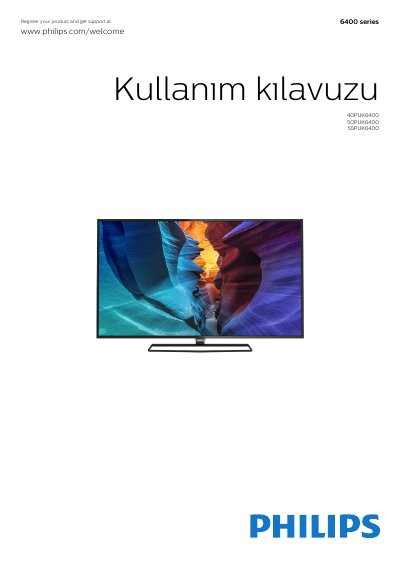
Philips 6400 Series TV User Manual
This document is the user manual for the Philips 6400 series Ultra HD Android TV. It covers the complete user experience, from initial setup and installation to daily operation. Key features highlighted include the Ultra Pixel HD Motor for upscaling signals, built-in Google Play for streaming apps, and connectivity options for smartphones, tablets, and external devices via Bluetooth and HDMI. This manual is written in Turkish.
Read onlinePhilips 6400 series specifications
| Resolution | 8 million pixels |
|---|---|
| Operating System | Android TV |
| VESA Mount | 200x200 (40PUx6400), 400x200 (50/55PUx6400) |
All Philips 6400 series documents by type
Day-to-day operation, settings and troubleshooting. Start here if the product is already set up.
Questions answered in these manuals
What is the ideal viewing distance for this TV?
The ideal viewing distance is three times the diagonal screen size.
Can I use my smartphone to control the TV?
Yes, you can use the Philips TV Remote App on your smartphone or tablet.
What is the water capacity of the steam tank?
The steam tank can hold up to 800 ml of water.
How long does it take for the soleplate to heat up from cold?
The soleplate reaches temperature in about 2 minutes.
How much water can I put in the steam tank?
Fill the steam tank with up to 800 ml of water.
What water should I use to fill the steam tank?
Use tap water; if your tap water is very hard, use 50% distilled water and 50% tap water.