
This manual is the instruction manual for the Blu-ray Disc Player, which mainly introduces the features and usage methods of the product.
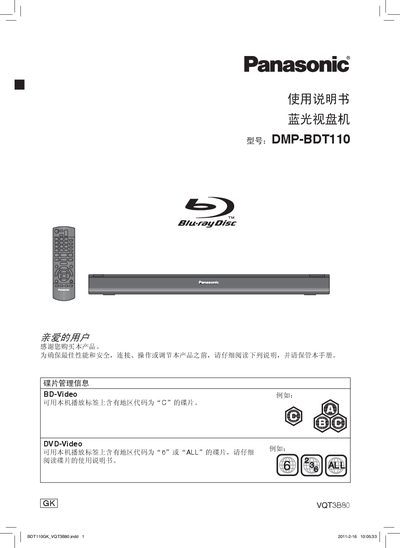
This manual guides users through the safe installation and operation of the Panasonic DMP‑BTD110 Blu‑ray disc player. It covers power connection, remote‑control setup, HDMI and video‑out wiring, and how to insert and play various media types.
Additional sections detail maintenance, troubleshooting, supported disc and file formats, and environmental disposal information, ensuring long‑term reliable performance. This manual is written in Chinese.
| Supported BD‑Video region code | C |
|---|---|
| Supported DVD‑Video region codes | 6 or ALL |
| Supported audio formats | Dolby Digital Plus, Dolby TrueHD, DTS‑HD High Resolution Audio, DTS‑HD Master Audio |
| Supported video formats | BD‑Video, DVD‑Video, DivX®, MKV, MP3, JPEG/MPO (3D still images), etc. |
| Remote control range | Approximately 7 m |
| Supported USB file systems | FAT12, FAT16, FAT32, exFAT (for SDXC) |
| Supported USB speed | USB 2.0 high‑speed |
No, DVD‑RAM discs are not supported.
The remote works up to about 7 meters in front of the unit.
Yes, the disc must be finalized on the recording device before playback.