
Key facts
- Brand
- Panasonic
- Model
- DMC-FP3GK
- Category
- Digital cameras
- Industry
- Electronics
- Documents
- 3
- Languages
- ZH
- Last added
- 2012-03-16
Start here
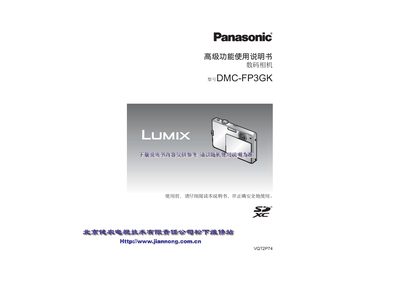
Panasonic DMC-FP3GK Digital Camera User Manual
The Panasonic DMC-FP3GK User Manual explains how to safely set up and operate the camera, covering battery installation, charging procedures, and basic handling before first use. It includes safety notices, component descriptions, and quick‑start guidance.
Detailed sections describe shooting modes, LCD display functions, memory card usage, playback options, and printing settings, as well as troubleshooting tips and warranty information. This manual is written in Chinese.
Panasonic DMC-FP3GK specifications
| Shutter speed range | 8 to 1/1600 |
|---|---|
| LCD display | 3.0" TFT LCD (~230,400 pixels) |
| Maximum photos per full charge | ≈300 photos |
All Panasonic DMC-FP3GK documents by type
Day-to-day operation, settings and troubleshooting. Start here if the product is already set up.
Questions answered in these manuals
How many photos can be taken on a full battery?
A full battery allows up to 800 photos to be captured.
What memory cards are supported?
The camera supports SD, SDHC (4 GB‑32 GB) and SDXC cards (up to 64 GB).
How many photos can be taken on a full battery charge?
Approximately 300 photos can be captured on a fully charged battery.
How can I set the camera’s clock?
Open the lens cover, turn on the power, touch the “Clock Setting” option in the menu, and adjust the date and time using the on‑screen controls.
What is the maximum continuous video recording length?
The camera can record up to 2 GB of video continuously; after reaching this limit you must press the shutter button again to continue recording.