
This document is the user manual for Panasonic digital camera DMC-FP3, which describes the features and characteristics of the product as well as safety precautions.
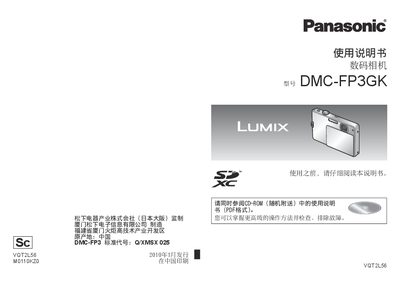
This manual explains how to set up and operate the Panasonic DMC-FP3GK digital camera, covering everything from attaching accessories and charging the battery to using the touch panel and selecting shooting modes. Safety warnings and proper handling of the battery and accessories are highlighted to prevent fire, explosion, or damage.
The document also includes detailed specifications such as sensor size, optical zoom, supported memory cards, video recording limits, and power consumption, as well as step‑by‑step instructions for setting the clock, formatting memory cards, and troubleshooting common issues. This manual is written in Chinese.
| Effective Pixels | 14.1 MP |
|---|---|
| Image Sensor | 1/2.33" CCD |
| Optical Zoom | 4× |
| Maximum Image Resolution | 14.5 MP |
| Shutter Speed Range | 8 s to 1/1600 s |
| Video Recording Format | QuickTime Motion JPEG |
| LCD Size | 3.0" TFT LCD |
| Power Consumption (recording) | 1.0 W |
| Weight (with battery & card) | ≈145 g |
| Dimensions | 98.6 mm × 18.6 mm × 58.9 mm |
Open the lens cover, turn on the power, touch the “Clock Setting” option in the menu, and adjust the date and time using the on‑screen controls.
The camera can record up to 2 GB of video continuously; after reaching this limit you must press the shutter button again to continue recording.