
NETGEAR EX2700 N300 WiFi Range Extender User Manual

Installation and user guide for the NETGEAR EX2700 N300 WiFi Range Extender, covering setup, LED indicators, and troubleshooting.
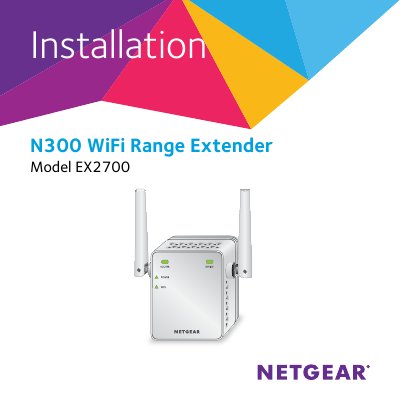

NETGEAR EX2700 N300 WiFi Range Extender User Manual - cover page
Brand
NETGEAR
Category
Wireless connection
Document type
User Manual
Language
English
Pages
16
File format
PDF
File size
349 KB
Published
21 November, 2026
Updated
21 November, 2026
MD5 checksum
0E1964932292B286E0A9EC0F87ECD95E

About this manual

This manual provides instructions for installing and using the NETGEAR EX2700 N300 WiFi Range Extender. It explains how to connect the device to an existing network using WPS or a web browser, and details the function of the front panel LEDs and buttons.

What's inside

  • Getting Started
  • Meet Your Extender
  • LED Descriptions
  • Install the WiFi Extender
  • Connect with WPS
  • Connect with Web Browser Setup
  • Find the Best Location
  • Frequently Asked Questions

Specifications

WiFi StandardN300
User Nameadmin
Default Passwordpassword
Reset Button Hold Timeat least five seconds

Frequently asked questions

Will the extender work if I connect it to the router with an Ethernet cable?

No. The extender is designed to connect wirelessly to the router or access point.

What are the user name and password to log in to the extender?

The user name is admin, and the default password is password. Both are case-sensitive.

How do I restore the extender to its factory default settings?

Use a sharp object to press and hold the Factory Reset button on the bottom for at least five seconds until the Power LED blinks amber.

Download PDF (349 KB)

More NETGEAR Manuals


View all NETGEAR manuals →