
Key facts
Start here
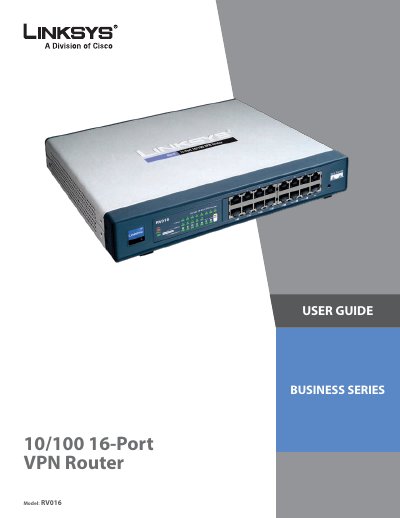
Linksys RV016 10/100 16-Port VPN Router User Guide
The Linksys RV016 10/100 16-Port VPN Router lets multiple computers in an office share an Internet connection and provides VPN capability for secure remote access. It has 16 ports, including dedicated Internet ports, reconfigurable local ports, and a dedicated DMZ port.
The guide explains physical installation, cable connections, web-based configuration, firewall and VPN settings, bandwidth management, firmware upgrade, troubleshooting, and warranty information.
Linksys RV016 specifications
| Dedicated Internet ports | 2 |
|---|---|
| Local ports | 13 full-duplex 10/100 |
| Reconfigurable local ports | Up to 5 as Internet ports |
| Failover or load-balanced Internet ports | Up to 7 |
| DMZ port | 1 dedicated DMZ port |
| Remote VPN users | Up to 50 |
All Linksys RV016 documents by type
Day-to-day operation, settings and troubleshooting. Start here if the product is already set up.
Questions answered in these manuals
How many remote users can securely connect to the office network?
Up to 50 remote office or traveling users can securely connect using the router's VPN capability.
Can local ports be used as Internet ports?
Yes, up to five of the 13 local ports can be reconfigured as Internet ports.
How can the RV016 be installed physically?
The router supports horizontal placement, wall-mount placement, and rack-mount placement.
How many remote users can securely connect to the office network using the VPN capability?
Up to 50 remote office or traveling users can securely connect to your office network using the Router's Virtual Private Network (VPN) capability.