
HP OfficeJet Pro 9010 series User Manual

User guide for the HP OfficeJet Pro 9010 series printer covering setup, printing, scanning, copying, faxing, network installation, and troubleshooting.
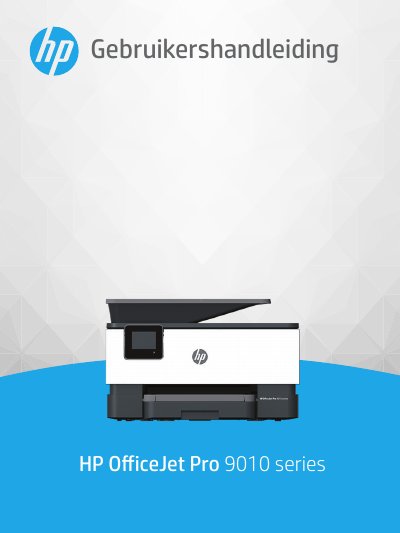

HP OfficeJet Pro 9010 series User Manual - cover page
Brand
HP
Category
Printer
Document type
User Manual
Language
Dutch
Pages
223
File format
PDF
File size
3.2 MB
Published
27 October, 2026
Updated
27 October, 2026
MD5 checksum
145383B5C61A71B04DC01CA0F164C9FA

About this manual

This manual provides instructions for using the HP OfficeJet Pro 9010 series printer. It covers accessibility features, environmental solutions like energy management and quiet mode, and an overview of the printer's components and control panel. The guide details how to load paper, perform basic tasks such as printing, copying, scanning, and sending faxes, and how to use HP Digital Solutions. This manual is written in Dutch.

What's inside

  • Getting Started
  • Accessibility
  • HP EcoSolutions
  • Printer Components
  • Control Panel
  • Printing
  • Copying and Scanning
  • Faxing
  • Network Installation
  • Troubleshooting

Frequently asked questions

What happens to the printer's power consumption after it has been inactive for five minutes?

The printer will automatically go into Sleep Mode to limit power consumption.

How long does the printer stay on before it automatically shuts off to save power?

The printer turns off after 8 hours of inactivity if the Auto Off function is enabled.

Can the printer be set to turn on and off automatically on specific days and times?

Yes, you can use the On/Off Schedule feature to set the printer to turn on at 8:00 and off at 20:00 from Monday to Friday.

Download PDF (3.2 MB)

More HP Manuals


View all HP manuals →