
The HP OfficeJet Pro 9010 series User Guide provides setup, operation, maintenance, and troubleshooting instructions for the printer.
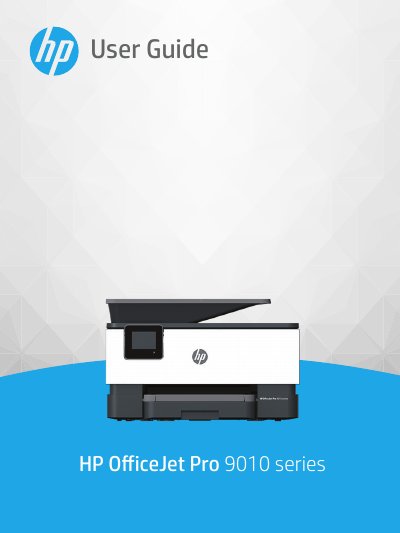
This guide covers everything you need to start using the HP OfficeJet Pro 9010 series printer, including accessibility features, environmental settings, loading paper and originals, and updating the printer software. It also explains how to print, copy, scan, and fax, as well as how to manage cartridges, configure wireless networking, and use HP Smart app and web services.
Later sections provide detailed troubleshooting steps, printer management tools, and technical specifications such as operating temperature, humidity, paper capacities, print and scan resolutions, and fax transmission rates. The document ends with regulatory notices and an index for quick reference.
| Operating temperature | 5° to 40° C (41° to 104° F) |
|---|---|
| Operating humidity | 15 to 80% RH non‑condensing |
| Print method | Drop‑on‑demand thermal inkjet |
| Scan resolution | Up to 1200 × 1200 ppi optical |
| Fax transmission speed | 33.6 Kbps |
Use the Sleep Mode, Auto‑Off, and Schedule On/Off options in the Dashboard to conserve energy; Sleep Mode activates after five minutes of inactivity, and Auto‑Off turns the printer off after eight hours of inactivity.
Open the cartridge access door, remove the empty cartridge, and insert a new cartridge, then close the door.