
This is the user guide for the HP LaserJet Enterprise Color Flow MFP M575c multifunction printer, covering setup, printing, scanning, copying, and faxing.
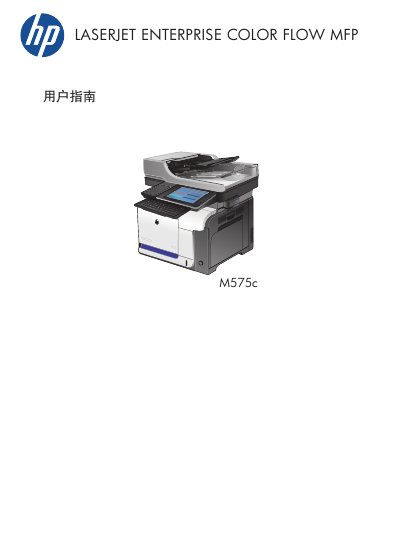
This document serves as the user guide for the HP LaserJet Enterprise Color Flow MFP M575c. It provides comprehensive instructions on connecting the device, installing software, and configuring paper trays for various paper types and sizes.
The guide details operations for printing, copying, scanning, and faxing, including advanced image processing features and quality adjustments. It also covers troubleshooting steps for paper jams and maintenance tasks such as cleaning the control panel and replacing toner cartridges. This manual is written in Chinese.
| Paper Tray 1 Capacity | 100 sheets (75 g/m2) |
|---|---|
| Paper Tray 2 Capacity | 250 sheets (75 g/m2) |
| Paper Tray 1 Max Stack Height | 10 mm |
| Paper Tray 2 Max Stack Height | 25 mm |
| Paper Weight Range | 60 g/m2 to 220 g/m2 |
Load the paper face up with the bottom edge first.
The maximum paper weight supported is 220 g/m2.