
Troubleshooting manual for the HP LaserJet Enterprise 500 Color MFP M575, covering operation theory, diagnostics, jams, event logs, and control-panel menus.
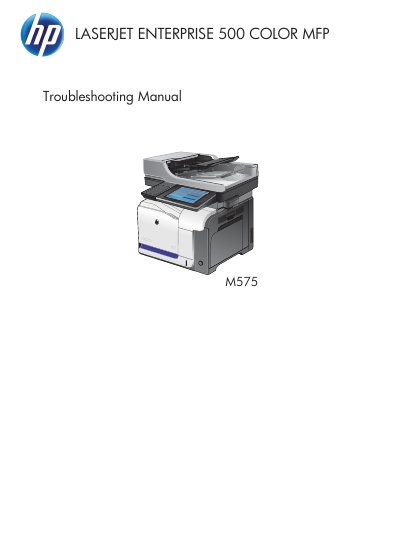
This HP LaserJet Enterprise 500 Color MFP M575 troubleshooting manual begins with theory of operation topics, including basic operation, engine-control system, DC controller, power supplies, fuser control, laser/scanner system, image formation, pickup/feed/delivery, and scanning/image capture.
It then covers problem solving and service tools such as the solve problems checklist, preboot menu options, component diagnostics, paper path tests, diagrams, print-quality pages, control-panel menus, event log messages, and jam-clearing guidance.
| Paper feeder | 1 x 500 paper feeder |
|---|---|
| Paper pickup weight note | Paper heavier than 220 g/m 2 (58 lb) might not be picked from the tray |
It means the ADF pick motor is not turning.
Download the firmware file and attempt the upgrade again.
Contact HP Customer Support or your authorized HP service provider.