
Key facts
- Brand
- HP
- Model
- M305
- Category
- Digital cameras
- Industry
- Electronics
- Documents
- 2
- Languages
- ZH
- Last added
- 2012-06-04
Start here
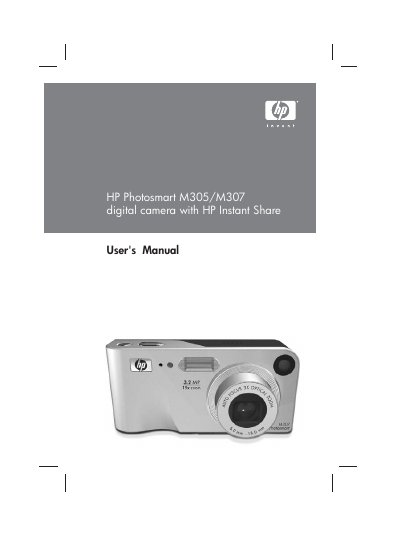
HP Photosmart M305/M307 Digital Camera User Manual
This manual guides HP Photosmart M305/M307 owners through initial setup, battery installation, memory card insertion, and basic camera operation. It covers menu navigation, shooting modes, zoom, flash, and image review, as well as how to use HP Instant Share to send photos to email or online albums.
Later sections describe transferring and printing images, configuring USB and TV settings, managing batteries, and detailed specifications. The troubleshooting chapter provides error messages, reset procedures, and support contact information. This manual is written in Chinese.
HP M305 specifications
| Still picture resolution (total) | 3.27 MP (2096 × 1560) |
|---|---|
| Still picture resolution (effective) | 3.21 MP (2080 × 1544) |
| Sensor diagonal | 6.73 mm (1/2.7‑inch) |
| Color depth | 36 bit (12 bits × 3 colors) |
| Lens focal length (wide) | 6.25 mm |
| Lens focal length (telephoto) | 17.25 mm |
| F‑Number (wide) | f/2.9 – f/4.9 |
| F‑Number (telephoto) | f/4.8 – f/8.0 |
| Internal flash memory | 16 MB |
| Typical power usage | 2.1 W (display on) |
| Weight | 146 g |
| Operational temperature range | 0 °C to 50 °C |
All HP M305 documents by type
Day-to-day operation, settings and troubleshooting. Start here if the product is already set up.
Questions answered in these manuals
How do I attach the wrist strap?
Attach the wrist strap to the wrist‑strap mount on the side of the camera as shown in the manual.
What is the camera’s typical power consumption?
Typical power usage is 2.1 W when the image display is on, with a maximum of 4.5 W.
How do I install the battery?
Open the battery/SD‑card cover on the side of the camera, insert the battery as shown, then close the cover and slide it down until it locks.
How can I change the language on the camera?
When you first turn the camera on, a screen prompts you to select a language; use the control buttons to scroll and press Menu/OK to confirm.