
This is a camera user manual, which introduces the camera's various parts, installation, power on, language selection, date and time setting, software installation, etc.
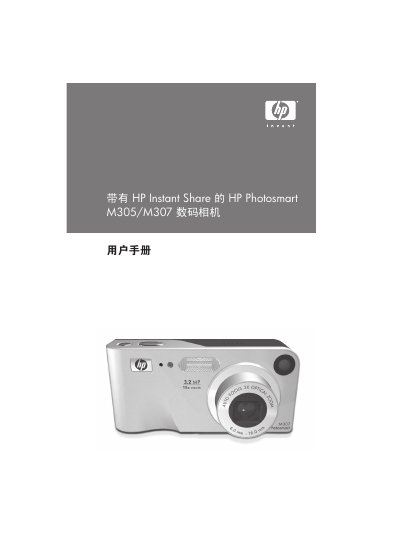
This manual covers everything you need to get started with the HP Photosmart M305/M307 digital camera, including installing the battery, inserting a memory card, and selecting the language on first power‑up. Detailed chapters walk you through shooting still photos, recording video clips, using HP Instant Share, and printing directly from the camera.
Later sections explain how to adjust settings such as exposure compensation, white balance, and ISO, as well as how to connect the camera to a computer via USB, use the optional AC adapter, and perform troubleshooting and maintenance tasks. Technical specifications and safety information are provided in the appendices. This manual is written in Chinese.
| Still photo resolution | 3.27 MP (2096 × 1560) |
|---|---|
| Total pixel count | 3.21 MP (2080 × 1544) |
| Video resolution | 288 × 216 pixels |
| Sensor size | 6.73 mm diagonal (1/2.7") |
| Color depth | 36 bits (12 bits × 3 colors) |
| Lens focal length | Wide 6.25 mm, Telephoto 17.25 mm |
| Aperture range | Wide f/2.9‑f/4.9, Tele f/4.8‑f/8.0 |
| Dimensions (closed, lens retracted) | 107 mm × 36 mm × 53 mm |
| Weight (without battery) | 146 g (0.32 lb) |
Open the battery/SD‑card cover on the side of the camera, insert the battery as shown, then close the cover and slide it down until it locks.
When you first turn the camera on, a screen prompts you to select a language; use the control buttons to scroll and press Menu/OK to confirm.
The camera supports Secure Digital (SD) and MultiMediaCard (MMC) cards of 16 MB or larger, up to 1 GB capacity.